Chapter 09
Getting started
You’ve read the method; setting it up is the easy part. A short wizard walks you from roles to a first plan — about five minutes, everything skippable, nothing lost.
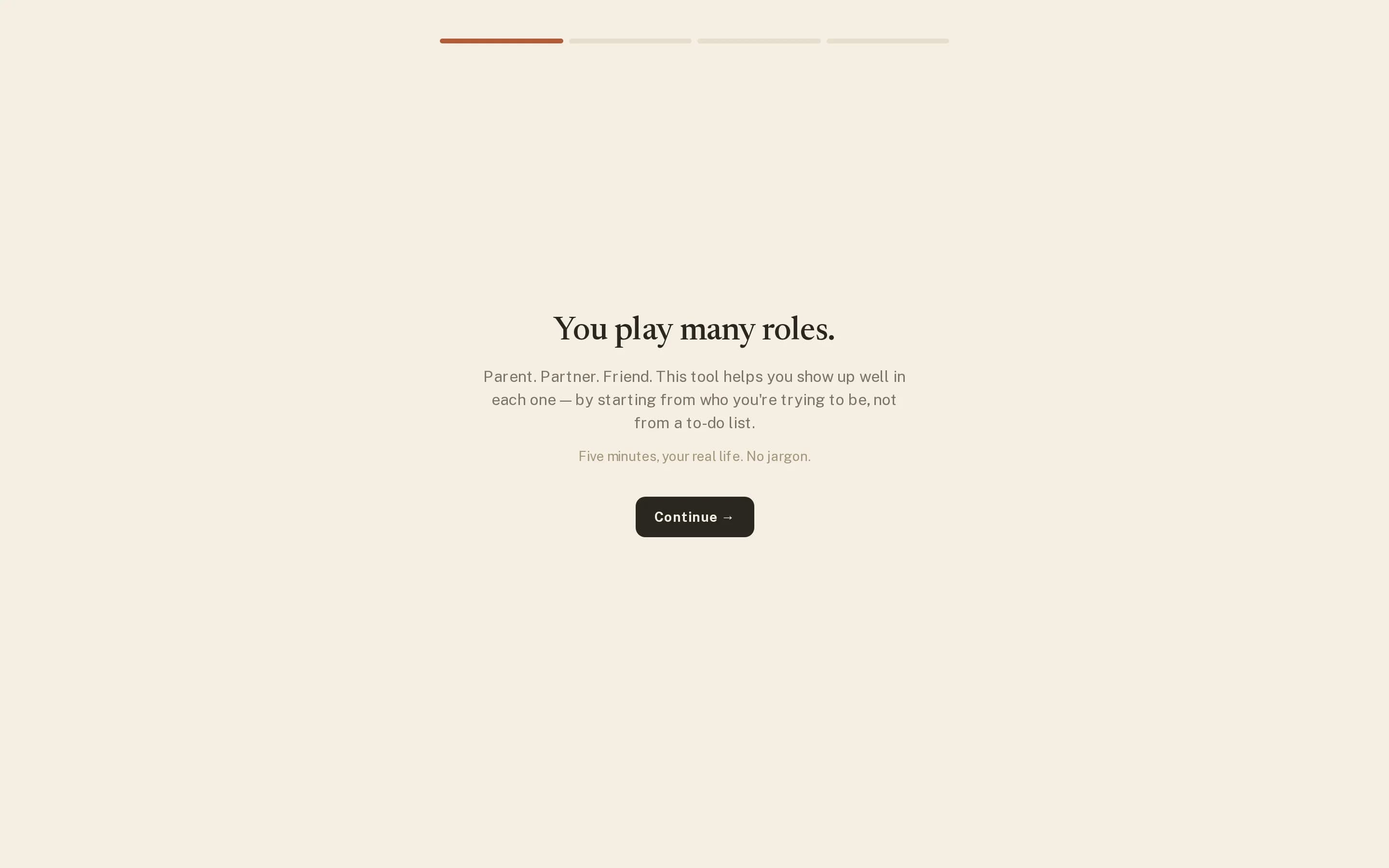
How the wizard works
- It saves as it goes. Close the tab after naming two roles and they’re yours; next visit resumes where you left off.
- Everything is skippable. Not sure about missions yet? Skip. Anything you skip gets clearly-marked example content — “Example — …” — so no screen ever greets you empty, and examples are trivial to replace with the real thing.
- It’s repeatable. A Restart setup link lives in the Roles Hub. Re-running it adds and refines; it never wipes what exists. People often run it again in January.
- It ends at a plan. The wizard’s last stop is your first week — the method starts on day one, not after a study period.
A sane first week
Resist the urge to configure a perfect system. Name four or five roles, write one mission you actually mean, put three tasks in the Plan quadrant, and plan a modest week. The method improves through Sundays, not through setup — your third review will teach you more about your roles than an hour of editing them up front.
Where things live
- Focus — the home screen, your week.
- Balance — the score and 52-week journey.
- Roles — the hub for missions, objectives and quadrants.
- Lists — everything that isn’t a role.
Five minutes from here to a planned week.